
History of records
The system enables the creation of change history records for most documents. To enable this functionality, the parameter Save history of user actions should be enabled in the configuration window on the [General]/[Parameters 3] tab.
Specification of records
List of documents divided into areas, for which the new functionality has been introduced:
| Module | Documents |
| Sale | PI / PIC, (A)PI / (A)PIC, POR / PORC, IPOR / IPOC, SI / SIC and clips, ISI / IIC, SOR / SORC, R / RC, RSI /RSIC, TF, RR / RRC, CC, ESI / ESIC and clips, EOR / EORC, API / ASI, EAI / EAIC, IR- / IRC-, IR+ / IRC+, WMR- / WMR+, LFI / LFC, APC, SII / SIIC, PII / PIIC, DR / DRC, D / DC, DP, SCL / PCL, WR+ / WR- /IWM, WMR- / WMR+, DLN / WRO, (W)DLN / (W)WRO, UM, |
| Orders | SOI, POI, SQ, PQ, SO, PO, IO |
| Import | IMI / IMC, AC / BWS |
| CRM | WH |
| Accounting | PRG /PRK, NM, UNM/UNK, KMP, OB/OBC, Pre-posting entry, PRP, UP, NO, Cash/bank entry |
| Fixed assets | RUD/ RUC, DA/ DAC / ADA, VM / VMC, LD /LC, DCD, DCC, CRP, COP, AA, RE, CDC, DT, CDM, CLA, CDR |
| Production | AJ/DJ, JO, PS, T/PCC/KTP |
Operations saved in history are the following:
- Adding an object,
- Modification of an object,
- Deleting an object,
- Modification of linked objects, that is:
– Modification of payment,
– Modification of analytical description,
– Modification of pre-posting entries,
– Modification of linked attributes,
– Modification of linked attachments.
For each of them, the time of execution of the operation with the accuracy of a second and the operator performing the operation is stored. The execution time is read from the system date, not the date set in the application.
A modification of an object is any edit made to it, that is: a change was introduced to the document header and/or its items. A modification of linked objects is any change made to a document form on the tabs: [Payments], [Accounting]/[Pre-posting], [Accounting]/[Analytical description], [Attributes] and [Attachments].
 parameter on the Attribute class form for an object is checked), there will be as many entries of attribute modifications in the History of records as the number of changes made during one document edit. It is enough to assign one attribute class to a document with such a setting, and each change in the attributes on the object form will be saved in the log as a separate entry.
Records of document modifications also include changes made from the document list level, where there was no editing. The following operations from the list are subject of recording: Approve, Post, Cancel, and Delete. Additionally for “production” documents: Planning, Execution, Closing/Opening.
List with history of records
A full history of all documents has been made available in the Administrator module under the History of records button available in Ribbon, from the Tools/Register of activities menu.

The Register of activities area has been created in this version and contains three buttons for recording user actions:
- Existing History of start-ups (for printouts, filters, charts, reports, and export to Excel),
- Existing History of messages,
- New History of records.
The same button is available in Ribbon on lists and form of the above-mentioned documents, and the list displayed then shows only the records related to the document selected in the list or edited.
History of start-ups
The 2018 version of XL introduced a feature to record the start-up of printouts, charts, reports, exports, and filters. It can be used as a tool to determine the frequency of use of a given printout, chart, report, export, or filter.
Information about the registered uses of printouts, charts, reports, exports and filters are displayed in the History of start-ups list located in the menu: Tools.
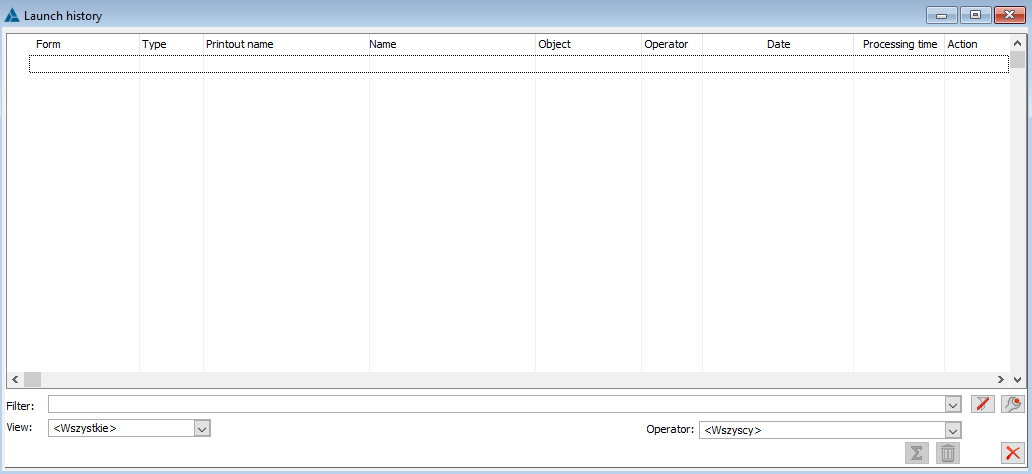
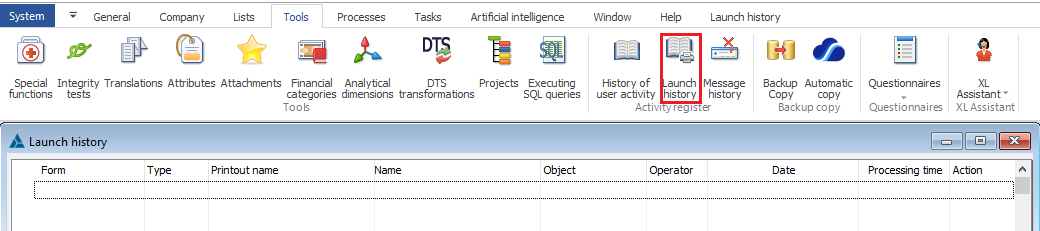
By default, the logging of information about running a printout, chart, filter is disabled. This function can be enabled globally for all printouts, charts, filters in the system configuration: tab General > Parameters 3

Save run history – if the relevant parameter is selected, information on running a printout, chart, report, export, or filter is saved in a special table, unless the printout/chart/filter definition states otherwise. In case of export, the operation is always saved.
In the printout, chart, and filter definition window, a parameter is available that determines whether a particular object (printout, chart, and filter) is to log its execution or not, or whether it inherits this property from the settings in the configuration.
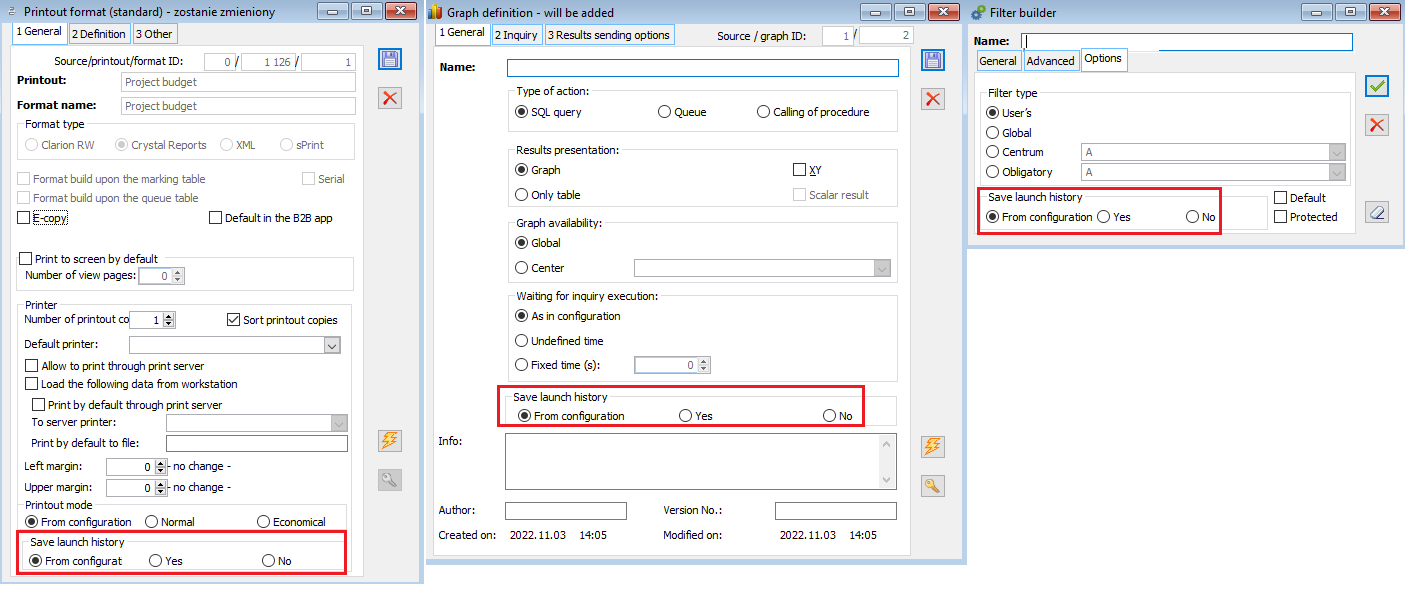
If saving the Export history of use is selected, each export use is logged and includes the export of data to MS EXCEL and to XML.
Changes in the History of start-ups records
In order to unify the recording of the time of execution of operations for history in the system also in the History of start-ups, the execution time is read from the system date, not the date set in the application. In addition, the history records the time to the nearest second.
History of messages
The message recording operation is triggered by a parameter in the general configuration, with the possibility of assigning operators for which it is to be executed.
The data are stored in a new system table, where each record makes it possible to read to which operator in the context of a given list/window/operation a given message was displayed. The context can be previewed in a screen shot saved as an image. In order that the amount of data in the table does not increase the size of the database excessively, it is possible to configure the storage of such images outside of the database.

The “Save system messages” section provides a list of operators assigned to save system messages:

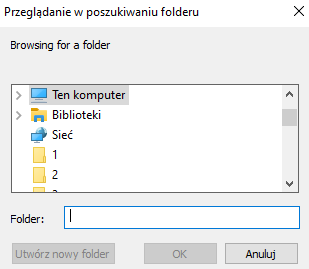
The “Save system messages” section also makes it possible to select a directory where the files will be saved.
In configuration, on tab Parameters/System, in area Logsystemowy, the parameter “Save system messages” has been added, which will cause saving of messages.

In the saved message history, the operator can view, configure and delete saved messages.