This article presents an example process for handling a customer invoice sent to the National e-Invoice System (KSeF).
To successfully submit an invoice to KSeF, the Comarch e-Invoice converter must be configured according to the instructions described in the articles Manual: Comarch e-Invoice Converter and Installing Comarch e-Invoice converter on Linux.
Sending customer invoices to KSeF requires defining settings in the Comarch ERP Enterprise system according to the article KSeF settings in Comarch ERP Enterprise.
Instruction
NoteA customer invoice sent to the KSeF must be issued using the [Generate and output invoice (PL)] action.
To send a customer invoice to KSeF:
- Open the Customer invoices query application.
- Display the customer invoice to be sent to KSeF.
- Perform the [Release invoice for processing as e-invoice] action, available under the [Select action] button on the standard toolbar. A dialog box will open.
- If necessary, enter the required data and confirm processing with the [In background] button.
Note
Performing the [Release invoice for processing as e-invoice] action is required if the invoice format KSEF_FA(3) has been entered in the Customizing application -> Comarch e-Invoice function -> Invoice formats with release check field. Otherwise, the customer invoice is transferred automatically after it is issued.
As a result of this action, the customer invoice:
- will be transferred to the Comarch e-Invoice converter, where after successful submission to KSeF, it will receive the status Successful,
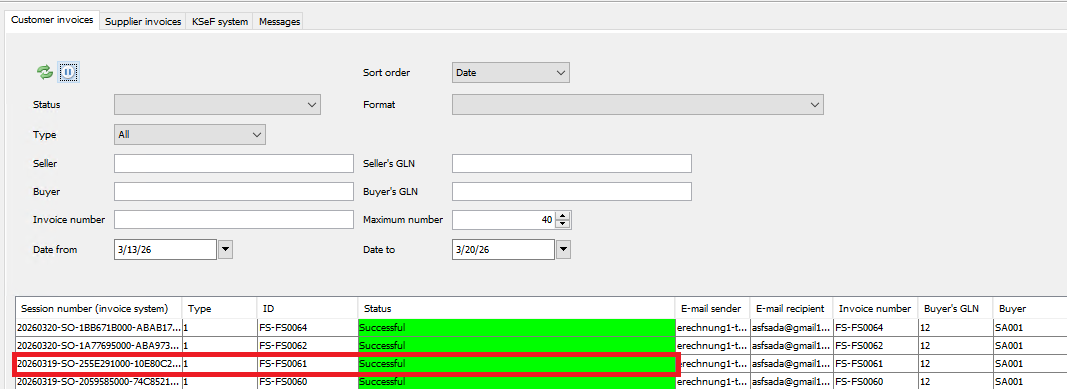
- the Comarch e-invoice status of the sent customer invoice will be changed to Successful,

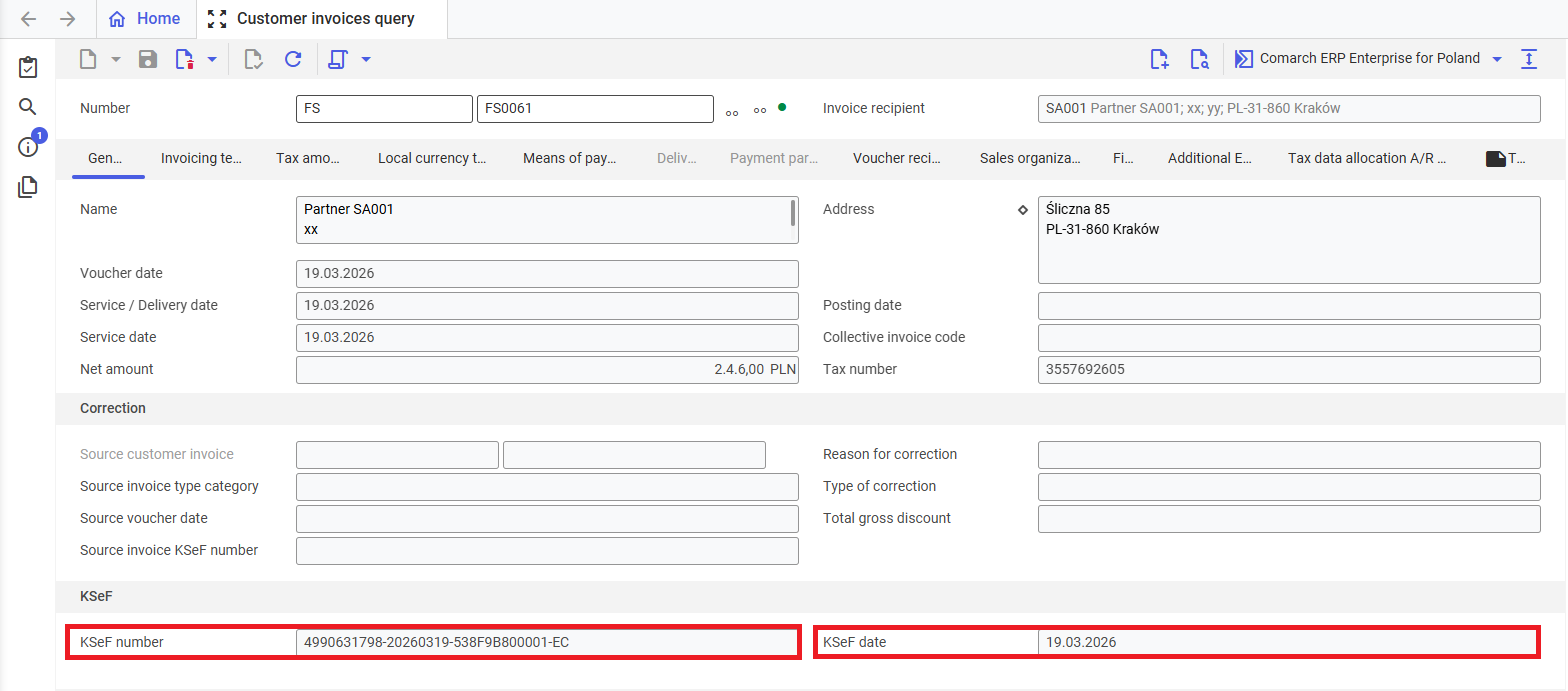
- it will receive the number and date of submission of the invoice to KSeF, which will be automatically assigned to it in the Customer invoices query application in the KSeF number and KSeF date fields.
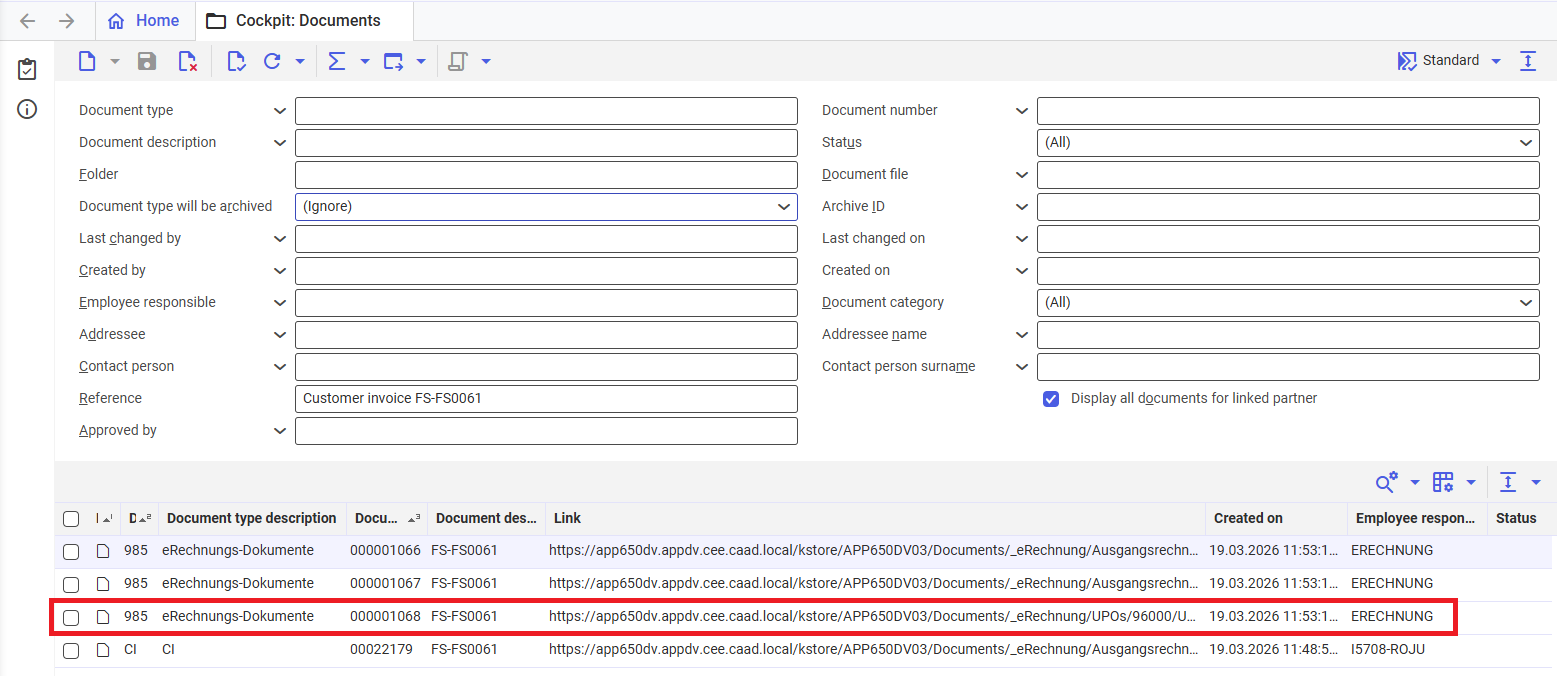
- UPO will be transferred from KSeF to Comarch ERP Enterprise, available for download in the Cockpit: Documents application.